
Visuals
Banners
We have a bunch of different banner sets for you to look through. Scroll down to view the selection and see which ones are the best fit for your site.
Pick a set
Every banner’s code links to your hoplink. Sets 1 to 3 open the landing page you chose on the Hoplinks page; Set 4 talks about the free webinar, so it always opens the webinar replay.
Banner Set 4
New for 2026, in the warm paper-heart look of the new pages: 14 sizes, from the 120x600 skyscraper to the 1200x628 picture that shows when a link is shared on social media, plus phone banners and a square social post. These banners talk about Diana's free webinar, so their code always opens the webinar replay, where readers can watch straight away, whichever page you picked on the Hoplinks page. Sharing the square or wide picture in a post? Use your replay link with it.

300px by 250px PNG 73 KB

336px by 280px PNG 91 KB

728px by 90px PNG 35 KB

468px by 60px PNG 10 KB
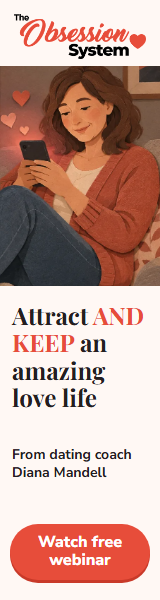
160px by 600px PNG 75 KB

120px by 600px PNG 57 KB
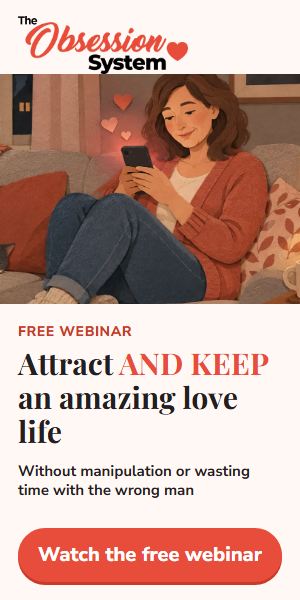
300px by 600px PNG 132 KB

970px by 250px PNG 220 KB

320px by 50px PNG 9 KB

320px by 100px PNG 28 KB

250px by 250px PNG 20 KB

200px by 200px PNG 14 KB

1080px by 1080px PNG 766 KB
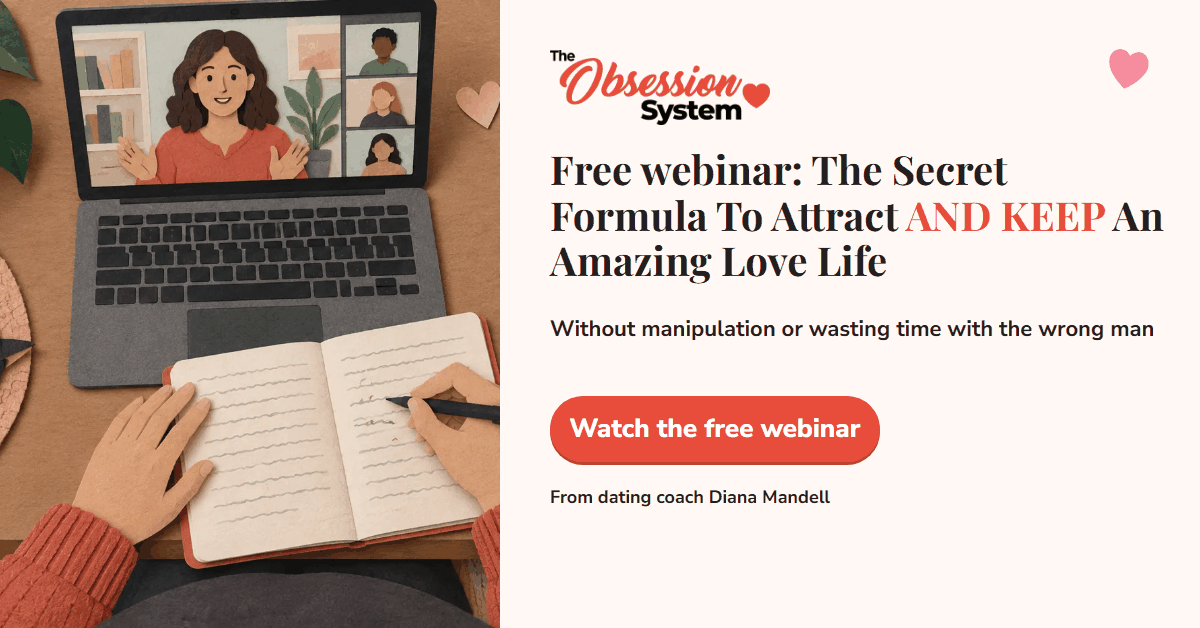
1200px by 628px PNG 190 KB
Banner Set 1
The original set: 8 sizes.
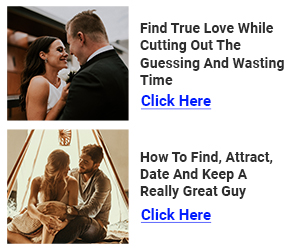
300px by 250px JPG 91 KB
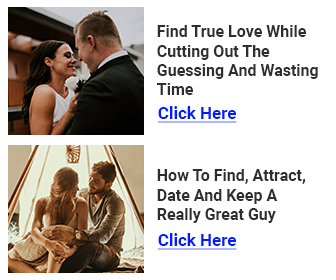
336px by 280px JPG 98 KB

250px by 250px JPG 87 KB
200px by 200px JPG 72 KB

728px by 90px JPG 55 KB

468px by 60px JPG 29 KB

160px by 600px JPG 103 KB

120px by 600px JPG 86 KB
Banner Set 2
The original set: 8 sizes.
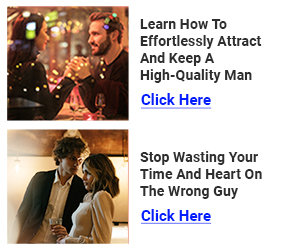
300px by 250px JPG 92 KB
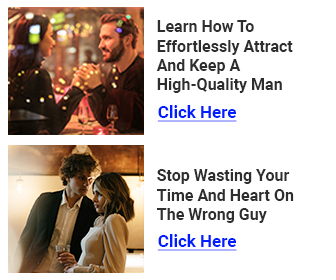
336px by 280px JPG 99 KB
250px by 250px JPG 88 KB

200px by 200px JPG 74 KB

728px by 90px JPG 59 KB

468px by 60px JPG 28 KB

160px by 600px JPG 104 KB

120px by 600px JPG 91 KB
Banner Set 3
The original set: 8 sizes.

300px by 250px JPG 90 KB

336px by 280px JPG 98 KB

250px by 250px JPG 87 KB

200px by 200px JPG 73 KB

728px by 90px JPG 45 KB

468px by 60px JPG 27 KB

160px by 600px JPG 92 KB

120px by 600px JPG 81 KB